How to Choose the Best Cat5 Extender for Your Needs?
Choosing the right Cat5 Extender starts with a simple question: what must the connection carry, and how far must it travel? Cisco’s Annual Internet Report, 2018–2023, forecast 5.3 billion internet users and 29.3 billion networked devices by 2023. Those figures are forecasts, not current measurements, but they show why dependable links matter in busy homes and workplaces.
Ethernet pioneer Bob Metcalfe has described Ethernet as “the plumbing of the Internet.” A Cat5 Extender helps carry that connection beyond the reach of a standard copper Ethernet run, but the label alone does not guarantee performance. IEEE 802.3 copper Ethernet specifications generally use a 100-meter channel limit. Actual extender distance, speed, and latency depend on the device, cable condition, and installation. A camera at the far end of a warehouse may need a different solution from a desktop in a nearby room. Small details matter.
This guide will compare extender types, supported data rates, power-over-Ethernet needs, and practical distance claims. Check whether a product uses existing twisted-pair cable, coax, or another medium; those options are not interchangeable. Also look for clear specifications and testing details, rather than relying on “long range” wording alone. A useful choice is not always the fastest one. It is the one that works reliably with your actual cable path and equipment. One caveat: published maximums are often measured under ideal conditions, so leave room for real-world cable quality and interference.
Understanding How Cat5 Extenders Work
How to Choose the Best Cat5 Extender for Your Needs?
Understanding How Cat5 Extenders Work
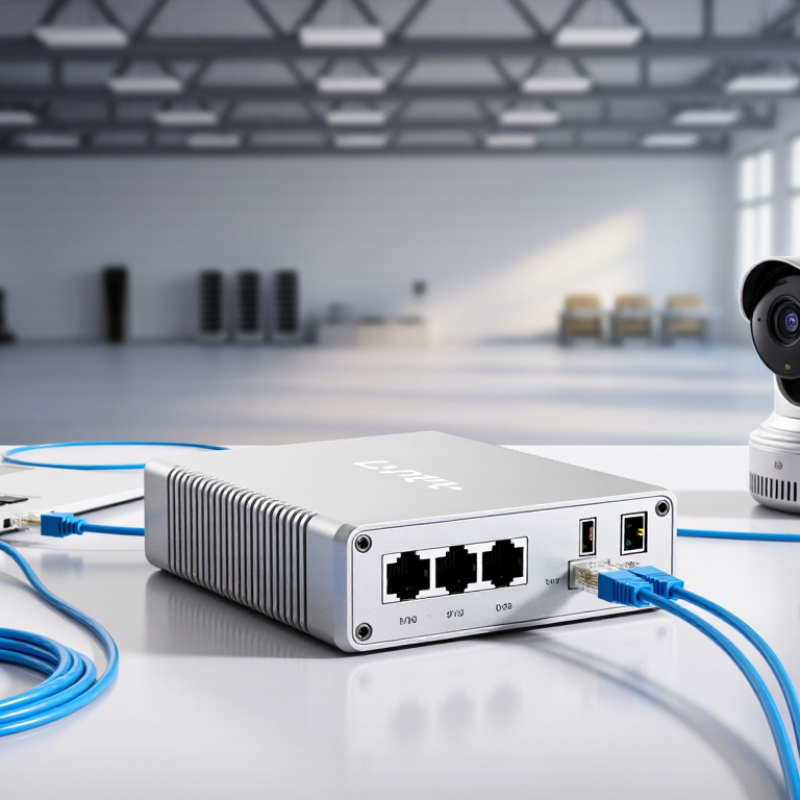
A Cat5 extender helps carry an Ethernet connection beyond the usual 100-meter cable limit. Many active models receive the incoming data signal, regenerate it, and send it onward. Think of it as a relay point, not a magic cable booster. It usually needs power, and each model supports specific distances and data rates. Check those limits before planning a long run. A longer path may reduce performance, especially with older cable or poor connections.
Tips: Measure the actual cable route, including bends and detours. Check whether the extender supports your required speed and Power over Ethernet. Keep it accessible for power and troubleshooting. Small detail, big help.
Before choosing one, consider what will connect at the far end: a camera, access point, or computer may have different power and bandwidth needs. Confirm cable type and connector compatibility, too. Some extenders work only with particular wiring setups. I still double-check the distance figures, since product specifications can describe ideal conditions rather than a busy installation. For reliability, avoid loose plugs and sharp cable bends, and test the connection after installation.
How to Choose the Best Cat5 Extender for Your Needs?
Understanding the 100 m Ethernet Channel
A common structured-cabling design allows up to 100 m for an Ethernet channel: typically 90 m of permanent cabling and a combined 10 m for patch cords. If your link must go farther, choose an active extender rated for your required distance, network speed, cable type, and environment. The achievable distance and speed vary by extender, so check its specifications.
Determining Your Distance and Bandwidth Requirements
Before choosing a Cat5 extender, measure the full cable route, including vertical runs and detours around doors. A straight-line room measurement can miss several metres. IEEE 802.3 specifies a maximum 100-metre channel for 1000BASE-T Ethernet over suitable Category 5e cabling. That figure includes patch leads, not just the cable hidden in the wall. Leave some margin. Old connectors, tight bends, and electrical interference can reduce stability, even when the measured run appears acceptable.
Next, match the extender’s supported speed to the devices and applications using it. A camera may need modest bandwidth; several high-resolution streams or network storage can quickly raise demand. The Ethernet Alliance’s Ethernet Roadmap tracks standards from 1 Gb/s through much higher data rates, but a faster standard does not make an older cable faster. Check the extender’s published throughput and maximum distance together: some units deliver lower speeds over longer runs. Test under real traffic, if possible. A link light is not enough. I’d also verify the cable category and termination quality before buying; that step is easy to overlook, and it can make a careful distance estimate misleading.
Checking Device Compatibility and Installation Requirements
A Cat5 extender must match the equipment at both ends, not just the cable. Check whether it connects to Ethernet ports, requires a paired unit, or works directly with a switch or router. Confirm the supported speed, such as 100 Mbps or 1 Gbps, and compare it with your devices. A faster rating on the box cannot make older equipment run faster.
Read the fine print. PoE cameras and access points need an extender that supports their power standard and wattage. Also check the maximum cable distance at your intended speed; performance can drop as the run gets longer. Inspect existing cable for crushed sections, loose plugs, or mixed wiring. A neat-looking cable can still have a faulty connection.
Plan the installation before pulling cable through a wall or ceiling. Note where each unit will sit, whether it needs a power outlet, and whether the route passes near electrical equipment. Keep connectors dry and accessible, especially in garages or utility spaces. It is easy to overlook outlet access during setup. Test the full connection with the actual device before fastening everything in place. That extra check may feel fussy, but it can save a second trip.
Evaluating Power, Reliability, and Environmental Factors
Choosing a Cat5 extender starts with its power needs, not just its advertised reach. Some models require a local power adapter; others draw power through the cable or support PoE. Check the exact power input and total PoE budget before installation. A long cable run can introduce voltage drop, especially with thin or poorly terminated cable. Leave a sensible margin rather than planning around the maximum rating. Small details matter.
Reliability depends on the extender, cable condition, and installation. Use solid copper Cat5 cable where the device specifies it, and avoid sharp bends or loose connectors. For critical links, test the connection under actual load and check for packet loss or unexpected restarts. I would not treat a quick bench test as proof of dependable operation. It is easy to miss intermittent faults.
Environmental conditions can change the choice. A unit in a warm cabinet may need more ventilation, while a dusty workshop calls for a suitably protected enclosure. Outdoor placements need equipment and enclosures rated for moisture and temperature exposure. Keep cable runs away from motors and power lines when practical; nearby electrical noise can affect performance. Specs can look reassuring on paper, yet a poorly placed extender may still disappoint. Inspect the site before buying, and allow for conditions that are hard to predict.